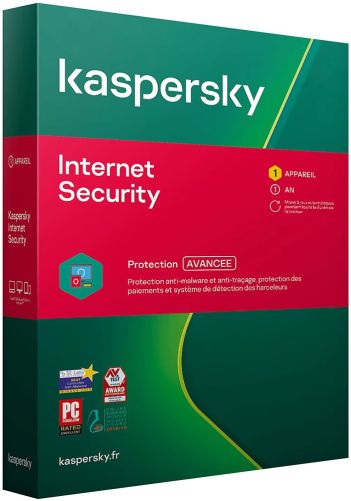
Norton by Symantec (Internet) Security at a glance
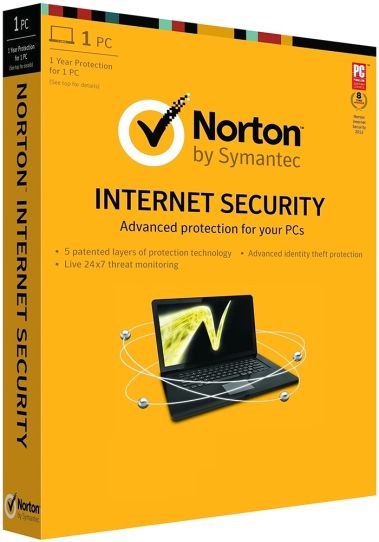
Internet Security was the name Symantec gave its main consumer protection suite from 2000 onwards. Symantec retired that product in September 2014 and carried the same line forward as Norton Security, which in turn became Norton 360 in 2019. The company behind it has changed names as well: Symantec became NortonLifeLock and now trades as Gen Digital. This listing keeps the older wording because it is still how a large share of buyers search for the product.
What you get is the current generation of that protection rather than a 2014 release. It watches for malware, ransomware and phishing attempts as they happen, and it bundles the supporting tools that used to be separate purchases: a firewall that judges network connections, a password manager, encrypted cloud storage for important files, and a VPN for untrusted networks. Windows, macOS, Android and iOS are all covered.
How it is used in everyday work
Security software earns its keep by being unremarkable. Most days you will not open it at all. The visible moments are short ones: a browser page that refuses to load because the address is flagged, a download that disappears into quarantine, a notice that an application tried to reach the network and was stopped. The suite is doing its job when these small interruptions happen instead of the damage they prevent.
The setup most people settle into is straightforward. The main computer gets the full installation, the phone gets the app, and the password manager gradually replaces the handful of passwords that were being reused everywhere. The VPN turns into a habit on hotel and café networks, where the connection is shared with strangers. Cloud backup is the part people appreciate only in hindsight: if ransomware does encrypt a drive, the copies held outside the machine are what turns recovery into a nuisance rather than a disaster. Households running a mix of operating systems, and self-employed users who keep client documents on a laptop, get the most out of this arrangement.
The functions that make a practical difference
Detection rests on more than a list of known signatures. Behavioural analysis watches what a program does once it starts running, such as writing into system areas, encrypting files in bulk or opening outbound connections, and that is how new variants get caught before a signature exists for them. Around this sits the smart firewall and intrusion prevention, which matter most on networks you do not control, for example a shared office line or student accommodation.
The remaining components address the ways people actually lose money. Scam and phishing detection checks links in the browser and, in recent releases, messages arriving by email and text. Dark web monitoring reports when one of your addresses turns up in a leaked database, which is the signal to change a password before somebody else does. Cloud backup copies selected folders off the machine on a schedule. The amount of storage varies between editions, so it is worth checking which figure is attached to the listing you choose.
Choosing the right edition
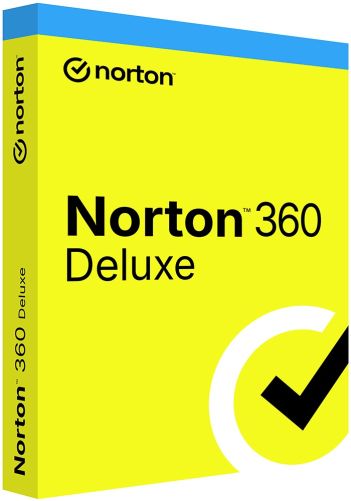
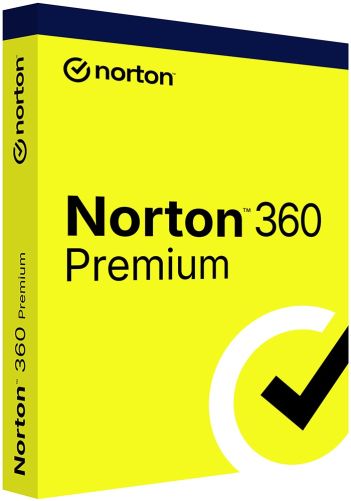
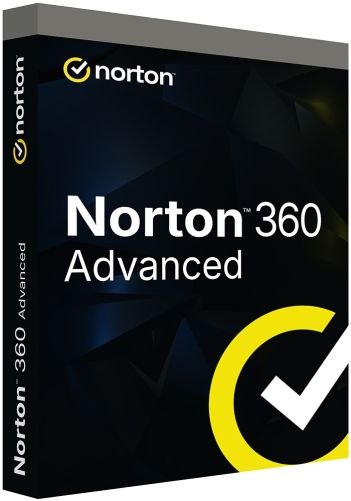
The Norton 360 editions sold alongside this listing differ in scope rather than in detection quality, because the protection engine behind them is the same. Standard covers the essentials for a single user. Deluxe adds parental controls, which is the usual reason families move up a step. Premium and Advanced sit above that and lean towards identity monitoring and larger backup storage. If you already know which edition you want, order it directly. This listing exists mainly for buyers who search for the older name and are unsure what it corresponds to today.
Practical limits worth knowing before you buy
Two things catch people out. Not every component exists on every platform: the firewall, cloud backup and webcam protection belong to the Windows build, while the Mac and mobile apps cover a narrower set. Decide which device matters most to you and confirm that the part you actually want runs there. The second point is the name on this listing. It is historical, so searching the manufacturer's support site for Internet Security articles leads to documentation for a retired version. Look for help under the current product name instead, or you will be reading the wrong manual.
Common questions before ordering
Is this the same Internet Security that was sold a decade ago?
No. Symantec stopped selling that product in 2014. The name stayed in circulation because buyers kept searching for it, but what you activate is the current generation, with detection methods and components that have been rebuilt several times since then.
Do I need to remove my existing antivirus first?
Yes, if it is a third-party product with real-time scanning. Two scanners inspecting the same files tend to work against each other, which costs performance and can cause both to miss things. Microsoft Defender is the exception, because it steps back on its own once another registered antivirus takes over.
Does it work on Mac and mobile as well as on a PC?
Yes. The manufacturer publishes clients for all four major platforms and they share a single account. Feature coverage differs per platform, as described above, so the Windows installation remains the most complete of them.
Ordering Norton by Symantec (Internet) Security at Keys.discount
Every order is processed automatically, so you normally have everything you need within a few minutes of paying.
Delivery: Your product key and the official download link arrive by email.
Activation guarantee: If activation fails, we replace the key.
Sourcing: Licences come from audited distribution channels and are documented.
Setup help: Written step-by-step instructions accompany every delivery.
Support: Our team answers by chat, email and phone in several languages.